
01
Customers Keep Asking for Updates
If your team repeatedly answers questions about orders, requests, documents, or status, giving customers secure access can reduce unnecessary back-and-forth.
Learn what a custom business portal is, how it can simplify workflows, reduce manual work, and connect business processes in one centralized system.
Imagine a customer asks for an order update, an employee needs approval, or a manager needs a report.
Your team checks an email, opens a spreadsheet, looks in another system, and then sends the information back.
It works when the business is small.
But as the business grows, these small tasks can turn into hours of manual work.
That is where a custom business portal can become useful.
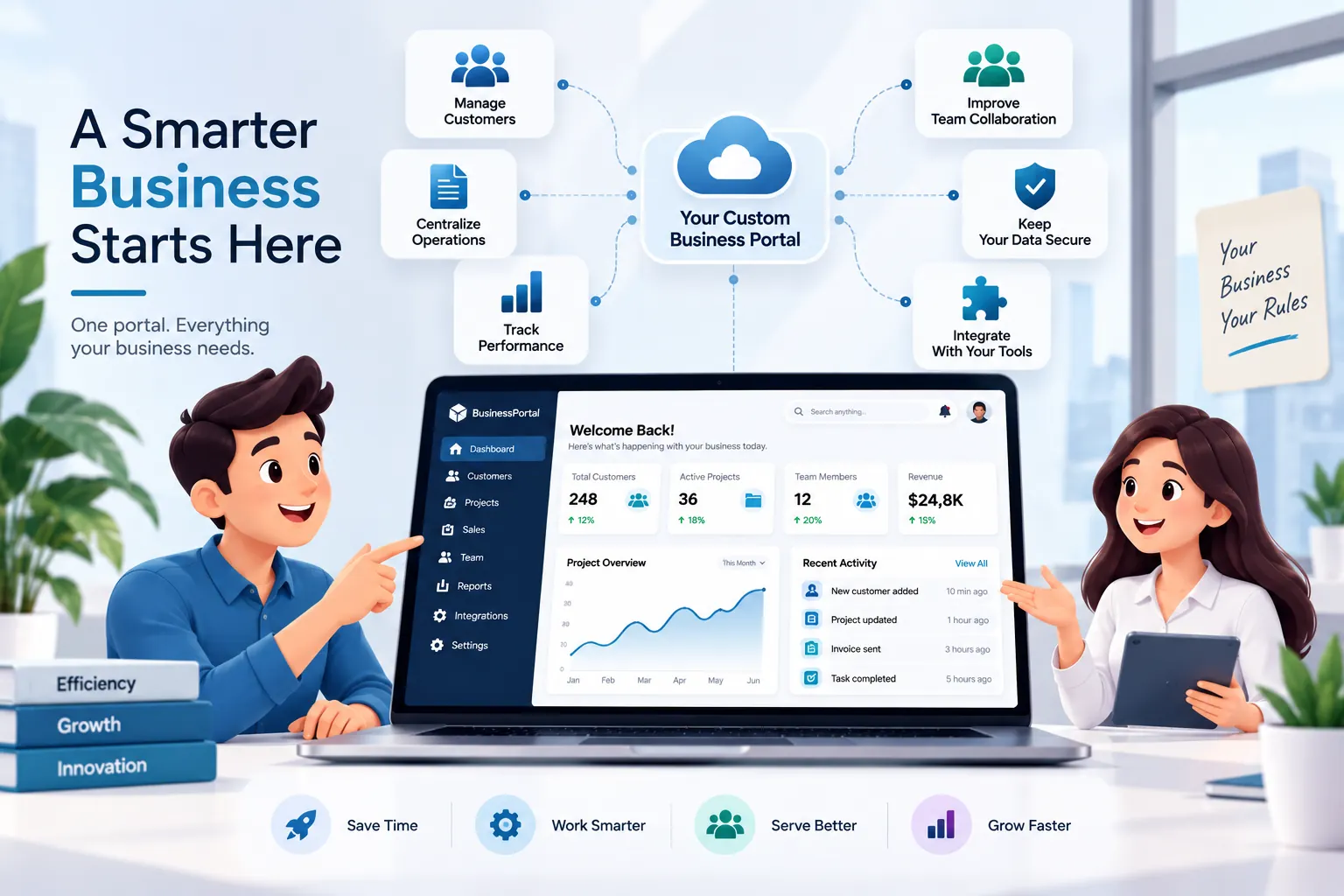
A custom business portal is a secure web-based system where customers, employees, vendors, or managers can log in and access the information and tools they need.
Unlike a normal business website, a portal is built around business workflows.
For example, customers might check orders or documents, employees might submit requests, and managers might review approvals or reports.
The important part is that each user can see and access what is relevant to their role.
Many businesses don't suddenly decide they need a portal.
The problem usually grows slowly.
One spreadsheet becomes three. Emails become approval records. Documents are stored in different folders. Employees enter the same information into multiple systems.
Eventually, your team spends more time finding, updating, and moving information than actually using it.
Spreadsheet
Separate Tool
Manual Work
A portal can bring those processes into one centralized system instead of making employees manage everything manually.
You may not need a portal just because your business is growing. But these situations are worth looking at:
If your team repeatedly answers questions about orders, requests, documents, or status, giving customers secure access can reduce unnecessary back-and-forth.
If several people update the same files or different versions exist, it becomes harder to know which information is correct.
Requests that move between employees and managers can be easier to track when approvals are part of a defined workflow.
Customers, employees, vendors, and managers shouldn't necessarily see the same information. A portal can provide different roles and permissions.
If information has to be copied between spreadsheets, CRM systems, accounting software, or other tools, integrations can reduce duplicate work.
If someone has to collect information from several places every week just to create a report, a centralized system can make that process much easier.
Sometimes the problem isn't that you need more software. You need software that fits the way your business actually operates.
Real Example
A good example is BMI Boutique, where a centralized web platform was used to manage staffing, consultant availability, training, scheduling, attendance, reporting, and business analytics.
Before bringing these processes together, businesses in this type of environment can easily end up relying on spreadsheets, emails, and separate tools.
The portal approach puts those connected activities into one system, making the workflow easier to manage and giving the business a clearer view of its operations.
Not necessarily.
A custom portal can work alongside the systems your business already uses. For example, it can connect with CRM, accounting, payment, HR, or other systems when the required integrations are available.
This means the goal isn't always to replace everything.
Sometimes the better solution is to bring the important information and workflows together in one place.
Look at where your team is losing time and identify the processes that repeatedly create manual work.
What are we still managing manually?
Which information is stored in multiple places?
What do customers repeatedly ask us for?
Which processes depend too much on email?
Where are we entering the same data twice?
If the answers point to the same problems again and again, a custom portal may be worth considering.
A custom business portal isn't simply a website with a login.
It's a way to bring people, data, workflows, and business processes together in a system designed around how your company actually works.
For some businesses, a few workflow improvements may be enough. For others, a custom portal can replace a growing collection of spreadsheets, emails, and disconnected systems.
The best place to start is not with features.
Start with the business problem you want to solve.
If your team is spending too much time managing spreadsheets, requests, approvals, customer information, or disconnected systems, exploring a custom portal may help you find a more practical way to manage the work.