
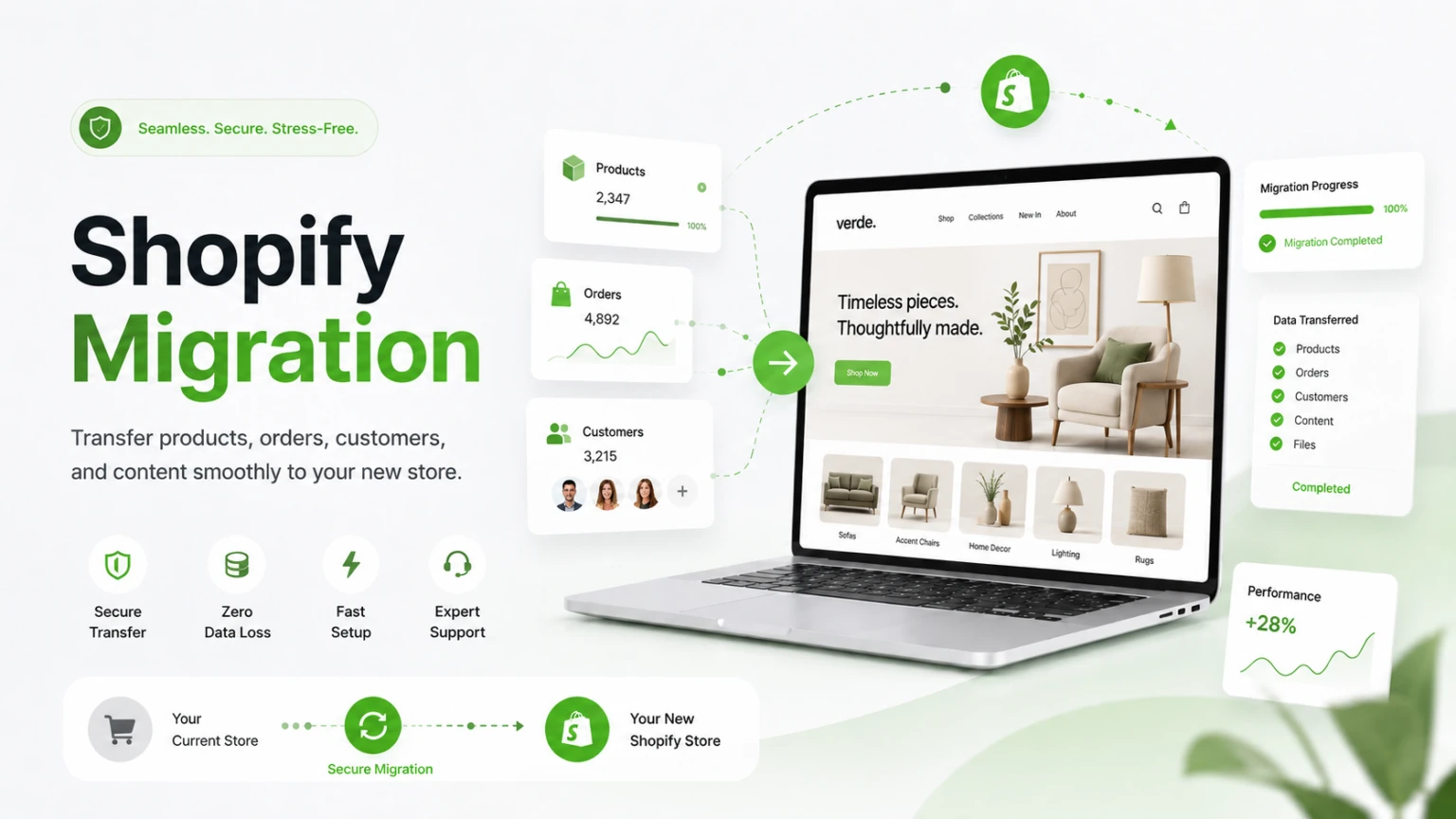
A Shopify migration is often described as moving products, images, and pages from one store to another.
But that's only part of the job.
A store also contains customer accounts, order history, URLs, SEO value, integrations, payment processes, apps, and business workflows that have built up over time.
If those elements aren't planned properly, a migration can create problems even when the new storefront looks perfect.
So before moving your store, it's worth asking a more important question:
What happens to everything your business has already built?
Your Customers Are More Than Just a Contact List
Customer data is one of the most important parts of an ecommerce store.
Depending on your existing setup, you may have customer names, email addresses, phone numbers, addresses, account information, purchase history, and other customer-related data.
During migration, this information needs to be mapped correctly to the new Shopify structure.
A simple export and import may not always be enough.
For example, your existing platform may store customer information differently from Shopify. Fields may have different names, formats, or requirements.
If customer data isn't handled properly, you could end up with:
- Missing customer information
- Duplicate customer records
- Incorrect data mapping
- Problems with customer accounts
- Incomplete purchase history
The goal isn't simply to move a customer database.
What Happens to Your Existing Orders?
Order history can be just as important as customer information.
A growing ecommerce business may have years of previous orders containing information about customers, products, payments, shipping, refunds, and fulfillment.
That history can be valuable for:
- Customer support
- Accounting
- Reporting
- Refund management
- Business analysis
- Understanding customer behavior
If your migration doesn't account for historical orders, your new store may look clean while your business loses access to important historical information.
That's why order migration needs to be planned separately from simply moving products.
Your URLs Can Affect More Than Navigation
This is one of the areas businesses often underestimate.
Your existing website may already have pages indexed by Google, backlinks from other websites, and organic traffic coming through specific URLs.
When moving to Shopify, URL structures may change.
For example, your old product, collection, or page URLs may not match the new Shopify URLs.
If those old URLs simply stop working, visitors and search engines may encounter broken pages.
That's where 301 redirects become important.
Instead of sending an old URL to a dead page, you can redirect it to the appropriate new URL.
A migration should therefore include a review of:
- Existing URLs
- Important ranking pages
- Product URLs
- Collection URLs
- Blog URLs
- Redirect requirements
- Internal links
- Sitemap and indexing
- Existing organic traffic
A Shopify migration should protect the SEO value your store has already built—not treat the new store as if it were starting from zero.
Your Existing Apps and Integrations May Need Attention
Your current store probably does more than display products.
It may connect with:
- Payment gateways
- Shipping platforms
- Accounting software
- CRM systems
- Email marketing platforms
- Inventory systems
- ERP software
- Analytics tools
- Third-party APIs
You may also depend on several apps for discounts, subscriptions, reviews, automation, customer communication, or other business processes.
When moving to Shopify, you need to determine which integrations can be connected directly, which require Shopify apps, and which may require custom development.
Simply rebuilding the storefront without checking these dependencies can leave important business processes disconnected.
Your Business Workflow May Change During Migration
Sometimes the biggest migration problems aren't visible to customers.
Your team may have internal processes for:
- Processing orders
- Managing inventory
- Handling returns
- Updating product information
- Sending notifications
- Managing customers
- Creating reports
- Managing fulfillment
Your existing platform may have been customized around these processes over several years.
Moving to Shopify gives you an opportunity to improve them—but it also means you need to understand what currently happens behind the scenes.
Before migration, document the workflows your team actually uses.
Your Store's Features Don't Automatically Move With the Design
A common mistake is to think about migration mainly in terms of appearance.
The new Shopify store may have the same logo, colours, products, and images, but that doesn't necessarily mean it has the same functionality.
Your existing store may include custom features such as:
- Advanced product filters
- Custom pricing
- Customer-specific functionality
- Subscription systems
- Product customization
- Automated emails
- Custom checkout-related processes
- Inventory synchronization
- Special promotions
- Business-specific workflows
Each feature needs to be reviewed before migration.
Some may be available through Shopify's existing capabilities.
Others may require apps.
And some may need custom Shopify development.
Don't Wait Until Launch Day to Test Everything
A migration isn't finished when the new Shopify store becomes publicly accessible.
Testing should happen before launch.
Your team should verify important customer and business journeys, including:
- Customer registration
- Login
- Product browsing
- Search and filtering
- Add to cart
- Checkout
- Payments
- Order creation
- Emails and notifications
- Shipping calculations
- Discounts
- Mobile experience
- Redirects
- Forms
- Third-party integrations
You should also test important migrated data.
What Should You Actually Move?
Not everything from your old store necessarily needs to be copied exactly as it is.
Migration is a good opportunity to separate what your business needs from what it simply has.
| Existing Element | Migration Question |
|---|---|
| Products | Do all products still need to be available? |
| Customers | Which customer data needs to be retained? |
| Orders | How much historical order data is required? |
| URLs | Which URLs need redirects? |
| Apps | Which apps are still necessary? |
| Integrations | Which systems must remain connected? |
| Custom Features | Should they be rebuilt or replaced? |
| Content | Is the existing content still useful? |
This approach can prevent you from carrying unnecessary complexity into your new Shopify store.
A Migration Should Improve the Store, Not Just Move It
Moving to Shopify doesn't have to mean creating the same store on a different platform.
A migration can also be an opportunity to improve the experience.
You might simplify navigation, improve mobile performance, remove unnecessary steps, improve product discovery, automate manual processes, or introduce better integrations.
The important thing is to avoid changing everything at once without understanding why.
Plan the Migration Around Your Business, Not Just Your Storefront
Every ecommerce business has different requirements.
A small store with a few products may have a relatively simple migration.
A larger store with thousands of products, years of customer data, complex integrations, custom workflows, and established organic traffic requires much more planning.
That's why a Shopify migration should begin with an assessment of the existing store.
Before development starts, identify:
- What data needs to move
- What functionality needs to remain
- What integrations need to be connected
- Which URLs need redirects
- What SEO value needs to be protected
- Which workflows need improvement
- What should be tested before launch
This gives your development team a clear migration plan instead of discovering critical requirements during the final stages.
Final Thoughts
A Shopify migration is much more than transferring products from one platform to another.
Your customers, orders, URLs, integrations, workflows, SEO value, and existing functionality all form part of your ecommerce business.
If those elements are considered early, migration becomes an opportunity to create a cleaner, more scalable, and better-connected store.
If they're ignored, even a beautiful new Shopify storefront can create problems after launch.
The right approach is to look at the entire business—not just the storefront.
Moving Your Store to Shopify?
If you're planning a Shopify migration, our team can help you assess your existing store, plan the data migration, handle integrations and custom functionality, protect important URLs, and build a Shopify store around your business requirements.
Have a Shopify migration planned?